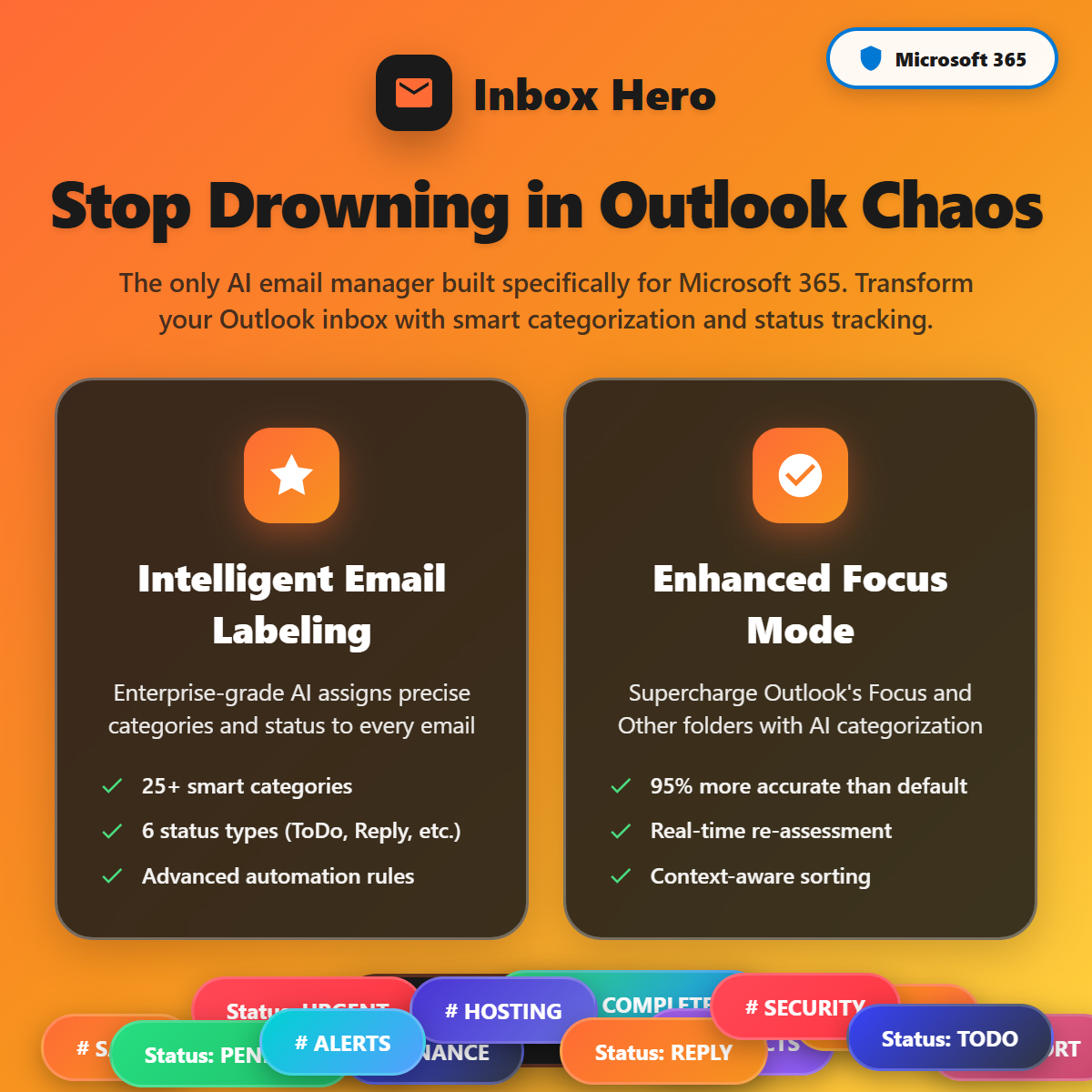
Email overload is one of the biggest hidden productivity killers for modern businesses. If you use Microsoft 365, chances are your Outlook inbox fills faster than you can clear it. Important messages get buried, follow ups are missed, and hours are lost every week just sorting emails.
InboxHero is designed to solve this exact problem. It is an AI powered email management tool built specifically for Microsoft 365 users. Instead of manually organizing, prioritizing, and responding to emails, InboxHero uses artificial intelligence to do the heavy work for you.
In this in depth review, you will learn what Inbox Hero is, how it works, its strengths and limits, pricing considerations, and whether it is the right tool for your business.
What Is Inbox Hero?

Inbox Hero is an AI email management platform that integrates directly with Microsoft 365 and Outlook. Its main goal is to help users regain control of their inbox by automating sorting, prioritization, and response workflows.
Rather than acting as a simple filter or rule based system, This Ai learns from your behavior and email patterns. Over time, it becomes smarter and more accurate, helping you focus on high value conversations while reducing noise.
Core Problem Inbox Hero Solves
Most professionals face the same challenges:
- Too many emails every day
- Important emails lost among low priority messages
- Repetitive responses wasting time
- No clear system for follow ups
InboxHero addresses these issues using AI driven automation designed for real business use.
How Inbox Hero Works with Microsoft 365
InboxHero connects securely to your Microsoft 365 account. Once connected, it starts analyzing your inbox activity. This includes sender behavior, response timing, keywords, and how you interact with different types of emails.
Key Functions at a Glance
- AI powered email prioritization
- Smart categorization of messages
- Automated follow ups and reminders
- Suggested replies for faster responses
- Inbox clean up and organization
Unlike basic Outlook rules, Inbox Hero adapts as your inbox habits change.
Key Features of Inbox Hero
AI Email Prioritization
InboxHero automatically identifies which emails matter most. Messages from clients, managers, or urgent projects are pushed to the top, while newsletters and low priority emails are grouped separately.
This helps you focus on what truly needs attention without constantly scanning your inbox.
Smart Email Categorization
The tool sorts emails into meaningful categories such as:
- Urgent and action required
- Client communications
- Internal team emails
- Promotions and updates
You spend less time organizing and more time responding.
Automated Follow Ups
One of the most powerful features is follow up automation. If you send an email and do not receive a reply within a set time, Inbox Hero can remind you or trigger a follow up message.
This is especially useful for sales teams, freelancers, and consultants.
AI Suggested Replies
InboxHero analyzes the context of incoming emails and suggests draft replies. These are short, relevant, and editable, helping you respond faster without sounding robotic.
Inbox Clean Up Tools
Old, inactive threads and low value emails can clutter your inbox. InboxHero helps archive or organize them automatically, keeping your inbox clean and manageable.
Inbox Hero vs Traditional Email Management
Here is a simple comparison to help you understand the difference.
| Feature | Outlook Rules | Inbox Hero |
|---|---|---|
| Static filtering | Yes | No |
| AI learning | No | Yes |
| Smart prioritization | Limited | Advanced |
| Follow up automation | No | Yes |
| Suggested replies | No | Yes |
| Microsoft 365 focused | Yes | Yes |
Inbox Hero goes beyond basic email rules by adding intelligence and automation.
Benefits of Using Inbox Hero
Major Advantages
- Saves hours every week on email management
- Reduces missed emails and follow ups
- Improves response time and professionalism
- Works natively with Microsoft 365
- Easy to set up with minimal learning curve
Productivity Impact
For small businesses and solo professionals, Inbox Hero can feel like having a virtual email assistant working in the background.
Limitations and Potential Drawbacks
No tool is perfect. Here are a few limitations to consider.
- Only works with Microsoft 365
- AI needs time to learn your habits
- May require minor manual adjustments early on
- Pricing may not suit very small teams
If you use Gmail or other email platforms, this tool will not be a fit.
Who Inbox Hero Is Best For
InboxHero is ideal for:
- Small business owners using Microsoft 365
- Sales teams handling high email volume
- Freelancers and consultants managing clients
- Remote teams needing better communication control
- Beginner marketers juggling multiple inboxes
Who Should Avoid Inbox Hero
- Users not on Microsoft 365
- People with very low email volume
- Businesses needing heavy CRM level automation
Pricing and Cost Considerations
InboxHero typically offers tiered pricing based on features and number of users. While exact prices may change, plans usually focus on:
- Individual professionals
- Small teams
- Growing businesses
The cost should be evaluated against time saved. If InboxHero saves even a few hours per week, it can easily justify the investment.
Tip: Look for free trials or demo options to test how well it fits your workflow.
Best Practices for Using Inbox Hero Effectively
Give the AI Time to Learn
Do not expect perfect results on day one. Use the tool consistently for a few weeks so the AI can adapt to your behavior.
Review Categories Weekly
Check how emails are categorized and adjust preferences when needed. This improves long term accuracy.
Combine with Microsoft 365 Tools
Use InboxHero alongside Outlook calendar, tasks, and Teams for a complete productivity system.
Set Clear Follow Up Rules
Define follow up timing clearly, especially for sales or client communication.
Inbox Hero for Small Businesses and Marketers
For beginner marketers and small business owners, email is still a core communication channel. Inbox Hero helps you:
- Respond faster to leads
- Avoid missing client emails
- Maintain a professional inbox
- Focus on revenue generating tasks
This makes it a strong productivity tool rather than just an email add on.
Final Verdict: Is Inbox Hero Worth It?
InboxHero is a powerful AI email management solution for Microsoft 365 users who feel overwhelmed by email. It does not try to replace Outlook but enhances it with intelligence and automation.
If email overload is slowing you down, InboxHero is a practical, business focused solution worth considering.
Recommendation
Start with a trial, let the AI learn your inbox, and measure how much time you save in the first month. For many users, the productivity gain alone makes InboxHero a smart investment.
Frequently Asked Questions
Is Inbox Hero safe to use with Microsoft 365?
Yes. InboxHero integrates securely and follows Microsoft 365 security standards.
Does Inbox Hero replace Outlook?
No. It works inside your existing Microsoft 365 environment and enhances Outlook functionality.
Can Inbox Hero automate replies completely?
It suggests replies, but you stay in control and can edit before sending.
Is Inbox Hero suitable for beginners?
Yes. The interface is simple and designed for users without technical skills.
Does Inbox Hero work for teams?
Yes. Team focused plans allow shared workflows and better collaboration.
Conclusion
InboxHero solves a real problem faced by modern businesses using Microsoft 365. By combining AI with smart automation, it transforms email from a daily burden into a manageable system.
If your inbox feels out of control, InboxHero gives you a clear path back to productivity.
- Link to a guide on Microsoft 365 productivity tools
- Link to an article about AI tools for small businesses
Next Step
Explore InboxHero, test it with your Microsoft 365 inbox, and see how AI powered email management can change the way you work.