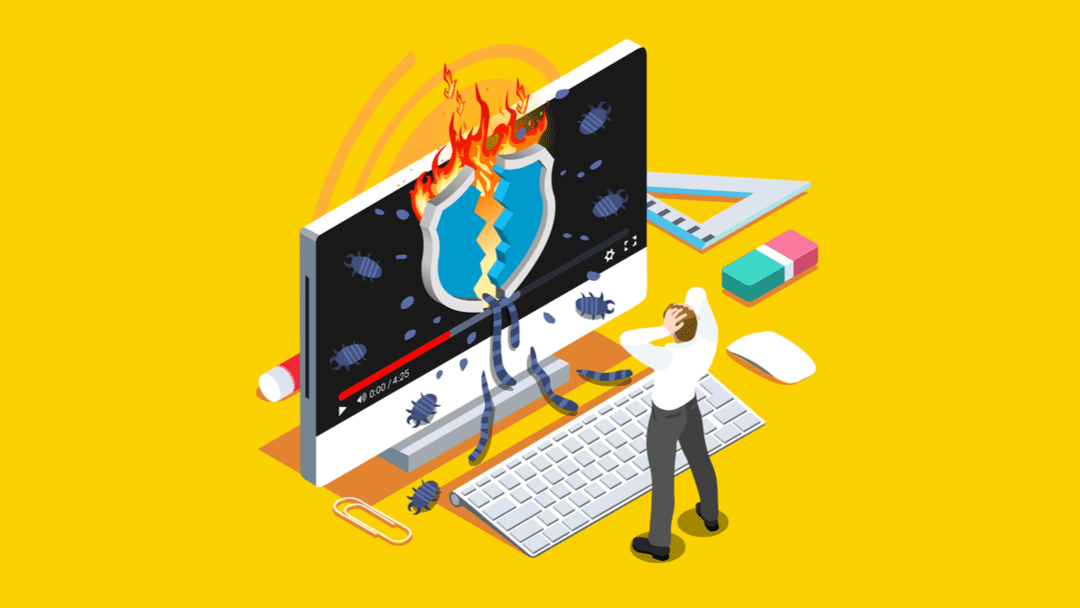
Website malware is one of the fastest ways to lose traffic, trust, and revenue. One day your site ranks well. The next day Google shows a warning or blocks visitors completely. If you are running a blog, business website, SaaS platform, or online store, learning how to scan website for malware is no longer optional.
This guide is written for small business owners, beginner marketers, bloggers, and SaaS founders who want a clear and reliable way to detect and prevent website infections. You will learn what malware is, how it affects SEO and revenue, the best tools to scan your site, and what to do if your website is already infected.
What Does It Mean to Scan a Website for Malware
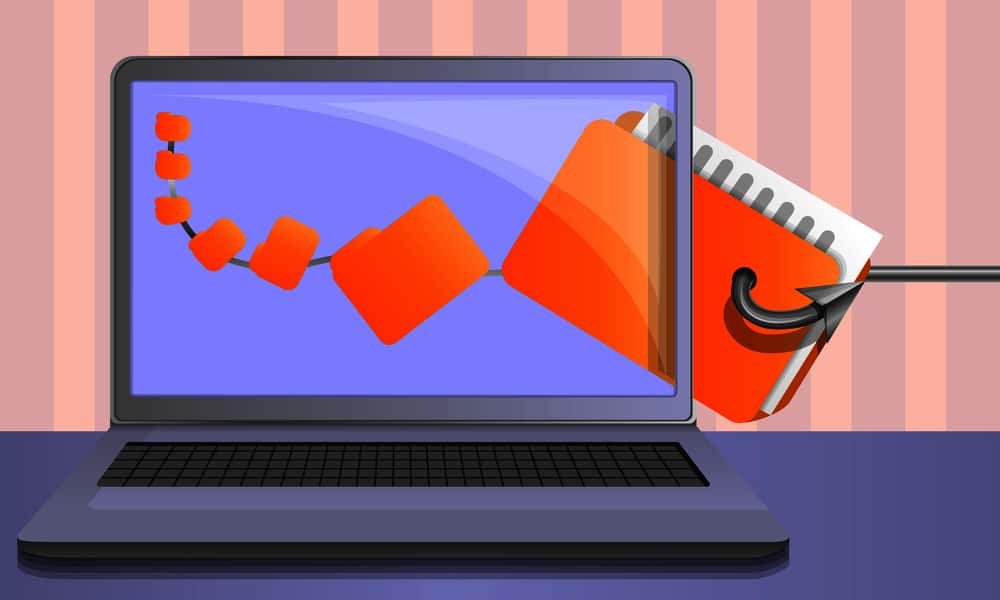
Scanning a website for malware means checking your site files, database, scripts, and external connections for harmful code. Malware can be hidden inside themes, plugins, JavaScript files, or even images.
Common types of website malware include
- Redirect malware that sends visitors to spam or fake pages
- SEO spam that injects fake pages and keywords
- Backdoors that allow hackers to regain access
- Malicious scripts that steal user data
Many website owners do not realize their site is infected until traffic drops or browsers show security warnings.
Why Website Malware Is a Serious Business Risk
Malware is not just a technical issue. It is a business problem.
SEO Damage
Google may flag your site as unsafe, remove pages from search results, or show warnings that kill click through rates.
Loss of Trust
Visitors leave instantly when they see security alerts. This damages your brand credibility.
Revenue Loss
For e-commerce and lead generation sites, malware directly reduces sales and conversions.
Legal and Data Risks
If user data is compromised, you could face legal issues or compliance problems.
Regular malware scanning protects your traffic, rankings, and reputation.
Signs Your Website Might Be Infected
You should scan your website for malware immediately if you notice
- Sudden drop in organic traffic
- Google Search Console security warnings
- Website redirects to unknown sites
- Slow loading pages without reason
- Unknown admin users or file changes
- Hosting provider suspension or alerts
Even if none of these appear, silent infections can still exist.
How Website Malware Gets In
Understanding how malware enters your site helps you prevent future attacks.
Most common entry points include
- Outdated WordPress plugins or themes
- Weak admin passwords
- Pirated or nulled software
- Insecure hosting environments
- File upload vulnerabilities
Once attackers gain access, they often hide malware deep in system files.
Best Ways to Scan Website for Malware
There are two main ways to scan your website. Online scanners and server side scanners.
Online Website Malware Scanners
These tools scan your website from the outside. They are fast and easy to use.
What they check
- Blacklists
- Malicious scripts
- Suspicious redirects
- SEO spam signals
Limitations
They cannot see hidden server level infections.
Server Side Malware Scanners
These tools scan your actual website files and database.
What they check
- Core files
- Plugins and themes
- Hidden backdoors
- Modified code
They provide deeper protection but often require installation.
Top Tools to Scan Website for Malware
Below is a comparison of popular website malware scanning tools used by small businesses.
| Tool Name | Scan Type | Best For | Ease of Use |
|---|---|---|---|
| Sucuri SiteCheck | Online | Quick checks | Very easy |
| VirusTotal | Online | URL reputation | Easy |
| Wordfence | Server | WordPress sites | Medium |
| MalCare | Server | Auto cleanup | Easy |
| Quttera | Online and server | Small sites | Easy |
Step by Step Guide to Scan Website for Malware
Step 1 Check Google Search Console
Open the Security Issues section. Google often detects malware before site owners do.
Step 2 Run an Online Malware Scan
Use at least two different scanners to confirm results.
Step 3 Scan Website Files
If you use WordPress, install a trusted security plugin and run a full scan.
Step 4 Review Modified Files
Check recently changed files, especially core system files.
Step 5 Check Website Database
Look for strange links, hidden scripts, or spam content.
Free vs Paid Malware Scanning Tools
Free Tools
Pros
- No cost
- Quick detection
- Good for early warnings
Cons
- Limited visibility
- No automatic cleanup
- No firewall protection
Paid Tools
Pros
- Deep server scans
- Automatic malware removal
- Firewall and prevention
- Monitoring and alerts
Cons
- Monthly or yearly cost
For business websites, paid tools often save more money than they cost.
Who Should Regularly Scan Their Website for Malware
This is essential for
- Small business websites
- Bloggers earning from ads or affiliates
- E-commerce stores
- SaaS platforms
- Agencies managing client sites
If your website makes or supports income, malware scanning is critical.
Who Might Skip Advanced Malware Tools
You may not need premium tools if
- You run a basic static website
- The site has no login forms or payments
- It is not indexed or monetized
Even then, occasional free scans are still recommended.
Best Practices to Prevent Website Malware
Scanning alone is not enough. Prevention matters.
Keep Everything Updated
Always update your CMS, plugins, and themes.
Use Strong Passwords
Avoid simple admin credentials.
Choose Secure Hosting
Low quality hosting increases risk.
Install a Web Application Firewall
Firewalls block attacks before they reach your site.
Backup Regularly
Backups make recovery fast and stress free.
SEO Benefits of Malware Free Websites
A clean website helps
- Improve search rankings
- Increase crawl trust
- Avoid manual penalties
- Protect brand authority
Google prioritizes safe user experiences. Malware free sites perform better long term.
Cost Considerations for Malware Scanning
Typical pricing ranges
- Free scanners at zero cost
- Basic security tools from 5 to 15 dollars per month
- Advanced protection from 20 to 50 dollars per month
For most small businesses, entry level paid plans are enough.
Final Verdict: Is Website Malware Scanning Worth It
Yes. Scanning your website for malware is one of the highest return activities you can do. It protects your traffic, revenue, SEO rankings, and brand trust.
Ignoring malware risks is far more expensive than preventing them. Whether you use free tools or premium solutions, regular scanning should be part of your website routine.
If your website matters to your business, start scanning it today. Run a malware scan now, fix issues early, and protect your growth before attackers do.
Frequently Asked Questions
How often should I scan my website for malware
At least once per week for small sites and daily for business or e-commerce websites.
Can malware affect SEO rankings
Yes. Malware can cause deindexing, warnings, and traffic loss.
Are free malware scanners reliable
They are good for detection but limited for cleanup and prevention.
Does hosting provide malware scanning
Some hosts do, but third party tools offer deeper protection.
Can malware come back after removal
Yes, if vulnerabilities are not fixed.
Link this post to
Key Takeaway
Learning how to scan website for malware is not just a technical task. It is a smart business decision that protects your income, your audience, and your future growth.