Running a business today without data is like driving at night with the headlights off. You may move forward, but you are guessing the road ahead.
This is where business analytics software comes in.
Many small business owners and beginner marketers struggle with scattered data, unclear reports, and slow decision-making. Sales data sits in one tool, marketing data in another, and customer data somewhere else. The result is confusion, wasted time, and missed opportunities.
This guide explains what business analytics software is, how it works, the best tools available, and how to choose the right one for your business.
What Is Business Analytics Software?
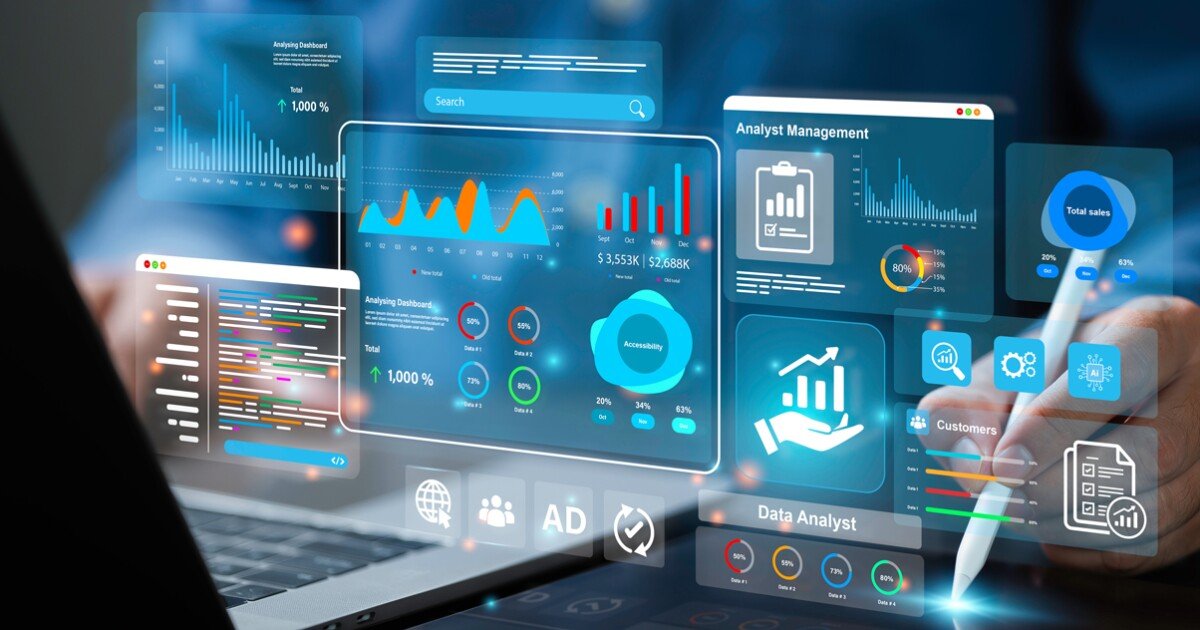
Business analytics software helps you collect, analyze, and visualize data so you can make better business decisions.
Instead of looking at raw numbers in spreadsheets, these tools turn data into clear insights using dashboards, charts, and reports.
What business analytics software does:
- Collects data from different sources
- Organizes and cleans the data
- Analyzes patterns and trends
- Shows insights using visual dashboards
- Helps predict future outcomes
In simple terms, it answers questions like:
- Which products are selling best?
- Where are customers dropping off?
- Which marketing channels bring the highest ROI?
- How can costs be reduced?
Why Business Analytics Software Matters for Small Businesses
Large companies have data teams. Small businesses do not. Business analytics software fills that gap.
Key benefits:
- Better and faster decisions
- Clear understanding of business performance
- Improved marketing and sales strategy
- Reduced guesswork
- Competitive advantage
Even with limited data, analytics tools can reveal patterns that are easy to miss manually.
Core Features of Business Analytics Software
Before choosing a tool, you need to understand the key features that matter most.
1. Data Integration
The software should connect with tools you already use, such as:
- Google Analytics
- CRM platforms
- Accounting software
- E-commerce platforms
- Social media tools
2. Dashboards and Data Visualization
Good analytics software turns data into:
- Charts
- Graphs
- Tables
- Real-time dashboards
Clear visuals help non-technical users understand data quickly.
3. Reporting and Automation
Look for tools that:
- Generate automated reports
- Allow scheduled email reports
- Offer custom reporting options
4. Predictive Analytics
Advanced tools use historical data to forecast:
- Sales trends
- Customer behavior
- Inventory needs
5. Ease of Use
For small businesses, ease of use matters more than advanced features.
Best Business Analytics Software Tools Compared
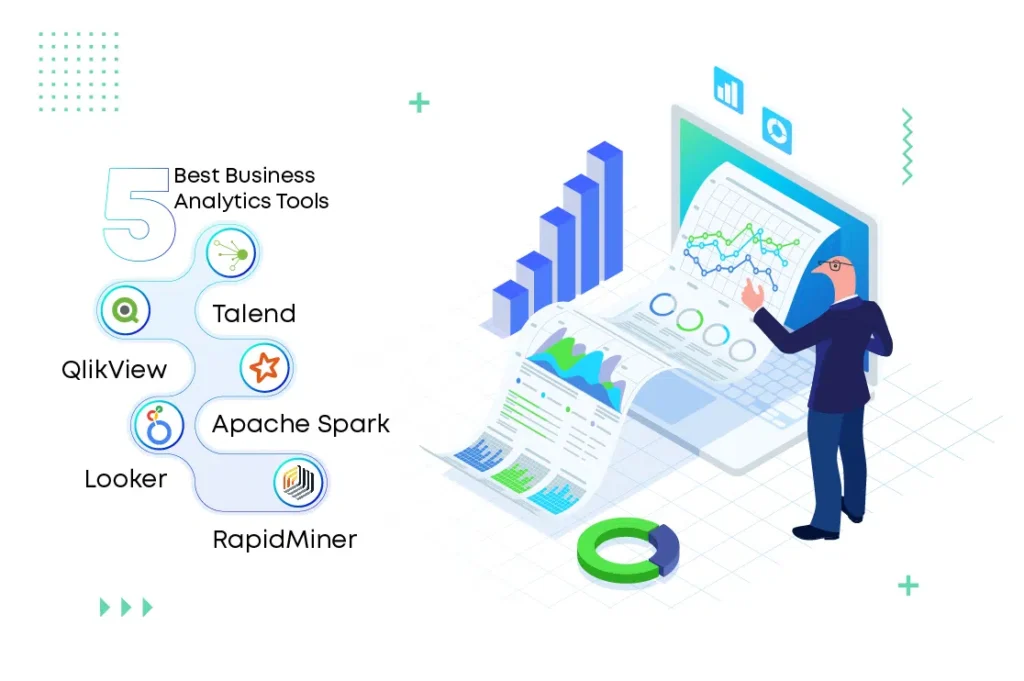
Below is a comparison of popular business analytics software options suitable for small businesses and beginner marketers.
| Tool | Best For | Ease of Use | Pricing |
|---|---|---|---|
| Google Looker Studio | Beginners and startups | Very easy | Free |
| Microsoft Power BI | Growing businesses | Medium | Low |
| Tableau | Advanced analytics | Medium to hard | High |
| Zoho Analytics | Small businesses | Easy | Affordable |
| Sisense | Embedded analytics | Medium | Custom |
| Klipfolio | Real-time dashboards | Easy | Medium |
In-Depth Review of Top Business Analytics Software
Google Looker Studio
Google Looker Studio is a free business analytics software ideal for beginners.
Pros:
- Free to use
- Integrates with Google products
- Easy drag-and-drop dashboards
- Cloud-based
Cons:
- Limited advanced analytics
- Not ideal for very large datasets
Best for: Small businesses, bloggers, digital marketers, and startups.
Microsoft Power BI
Power BI is a powerful analytics tool with strong data modeling features.
Pros:
- Affordable pricing
- Strong Excel integration
- Advanced data modeling
- Custom dashboards
Cons:
- Slight learning curve
- Best features require paid version
Best for: Businesses already using Microsoft tools.
Zoho Analytics
Zoho Analytics is an all-in-one analytics solution designed for small and mid-sized businesses.
Pros:
- User-friendly interface
- Affordable plans
- AI-powered insights
- Integrates with Zoho ecosystem
Cons:
- Limited third-party integrations compared to others
Best for: Small businesses looking for value and simplicity.
Tableau
Tableau is known for advanced data visualization and analytics.
Pros:
- Powerful visual analytics
- Handles large datasets
- Advanced customization
Cons:
- Expensive
- Steep learning curve
Best for: Data-driven teams and advanced users.
Pros and Cons of Business Analytics Software
Advantages
- Improves decision-making accuracy
- Saves time through automation
- Identifies growth opportunities
- Enhances customer understanding
- Supports long-term planning
Limitations
- Learning curve for beginners
- Data quality affects results
- Some tools can be expensive
- Requires consistent data input
Who Should Use Business Analytics Software?
Best for:
- Small business owners
- Digital marketers
- E-commerce store owners
- Startups
- Consultants
- Agencies
Who should avoid it:
- Businesses with no digital data
- Those unwilling to track performance
- Very early-stage businesses with no sales or traffic
Pricing and Cost Considerations
Business analytics software pricing varies widely.
Common pricing models:
- Free plans with limited features
- Monthly subscriptions
- User-based pricing
- Custom enterprise pricing
Cost-saving tips:
- Start with free tools
- Upgrade only when needed
- Choose tools that integrate with your existing software
- Avoid overpaying for unused features
How to Choose the Right Business Analytics Software
Follow these steps before choosing a tool.
Step 1: Define Your Goals
Ask yourself:
- What decisions do I want to improve?
- What data do I already have?
Step 2: Check Integrations
Ensure the software connects with your:
- Website analytics
- CRM
- Sales tools
- Accounting software
Step 3: Start Simple
Choose a tool that matches your skill level.
Step 4: Test Before Committing
Use free trials or free versions before paying.
Best Practices for Using Business Analytics Software
- Track only meaningful metrics
- Use clear dashboards with fewer charts
- Review reports weekly or monthly
- Share insights with your team
- Take action based on data, not just views
Key takeaway:
Data is useless without action. Analytics should guide decisions, not just look good.
Business Analytics Software for Marketing and Sales
Analytics tools help marketers:
- Track campaign performance
- Measure conversion rates
- Identify high-performing channels
- Optimize ad spend
Sales teams benefit by:
- Tracking leads and deals
- Forecasting revenue
- Identifying top customers
- Reducing churn
Final Verdict: Is Business Analytics Software Worth It?
Yes.
Business analytics software is no longer optional. It is a necessity for businesses that want to grow, compete, and make informed decisions.
You do not need complex tools to start. Simple analytics software can already deliver powerful insights and real results.
Start small, learn your data, and scale your analytics as your business grows.
If you are serious about improving your business decisions, start with a simple business analytics software today. Test a free tool, build your first dashboard, and turn your data into growth.
Frequently Asked Questions
What is the best business analytics software for small businesses?
Google Looker Studio and Zoho Analytics are excellent choices for small businesses due to affordability and ease of use.
Is business analytics software hard to use?
Many modern tools are beginner-friendly with drag-and-drop features and templates.
Do I need technical skills to use analytics software?
No. Most tools are designed for non-technical users.
Can business analytics software improve profits?
Yes. By identifying trends, reducing waste, and improving decisions, analytics can directly impact profitability.
Is free business analytics software enough?
For many small businesses, free tools are enough to start and grow.
Conclusion:
Business analytics software empowers small businesses to compete smarter, not harder. With the right tool and clear goals, data becomes your most valuable asset.