Data is one of the most valuable assets a business owns. Customer records, financial details, login credentials, and internal documents all drive daily operations. But data is also fragile. One wrong click, one stolen laptop, or one careless employee can cause permanent damage.
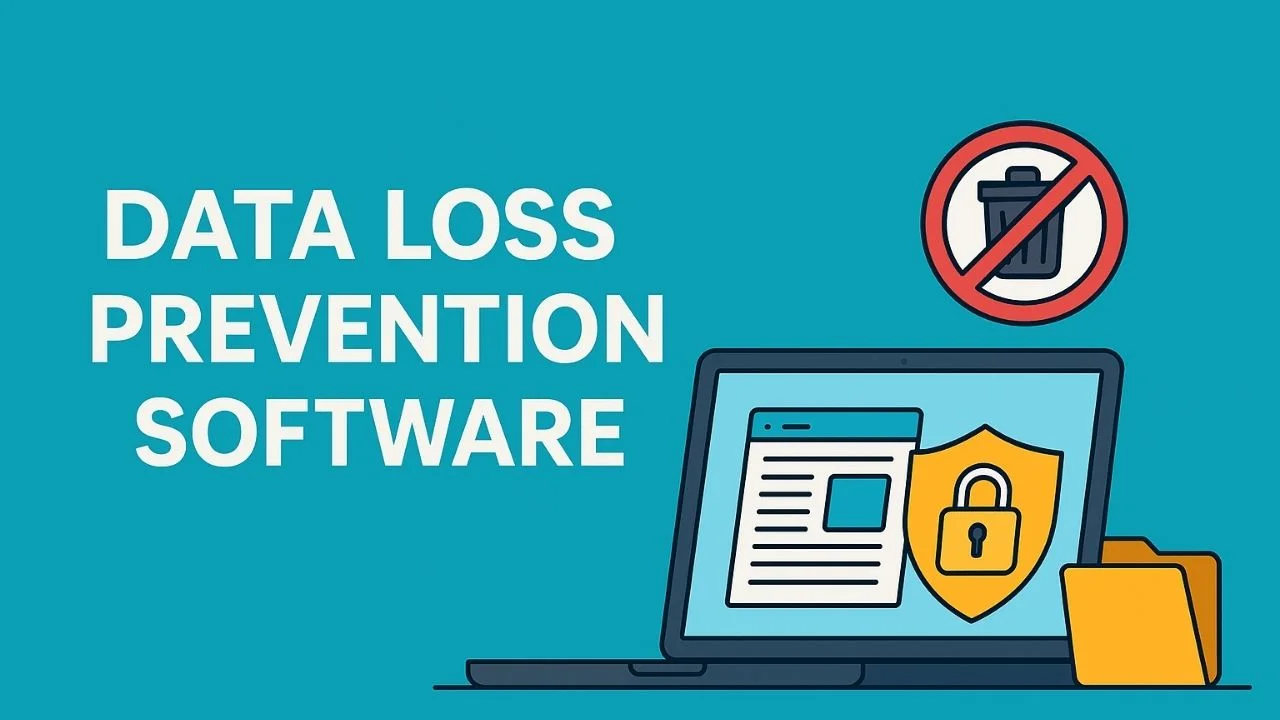
That is why data loss prevention software has become essential for modern businesses.
This guide explains what data loss prevention software is, how it works, the best tools and strategies, and how to choose the right solution for your business. Whether you run a small company or manage IT for a growing organization, this article will help you make a confident decision.
What Is Data Loss Prevention Software?
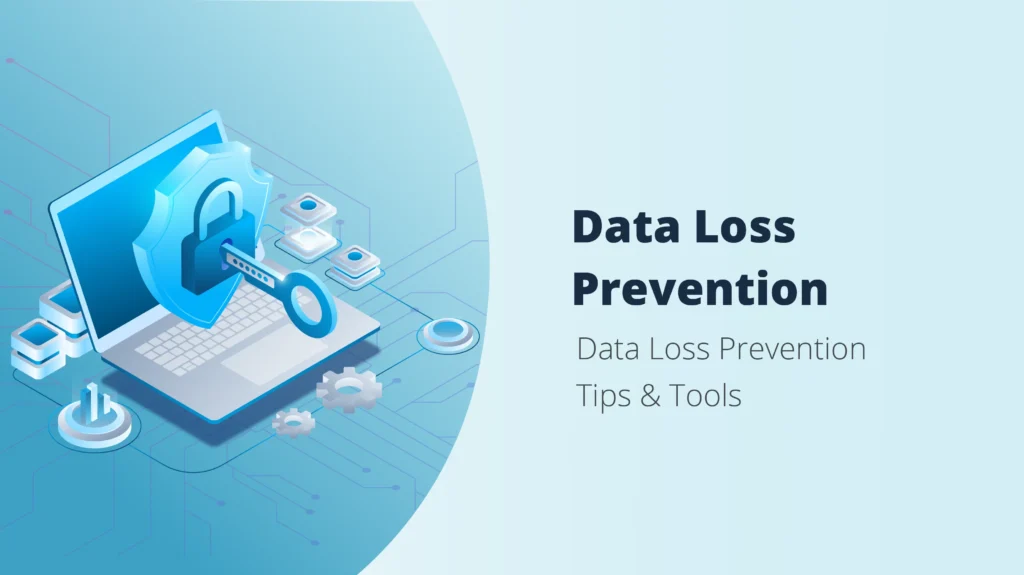
Data loss prevention software, often called DLP software, is a security solution designed to detect, monitor, and prevent sensitive data from being lost, misused, or accessed by unauthorized users.
It protects data in three main states:
- Data at rest such as files stored on servers or devices
- Data in use such as emails, documents, and screenshots
- Data in motion such as file transfers, cloud sharing, or uploads
The main goal is simple. Keep sensitive data inside the business and out of the wrong hands.
Why Data Loss Prevention Software Matters
Data breaches are expensive and damaging. Even a small leak can result in lost trust, legal penalties, and business downtime.
Common causes of data loss include:
- Employees accidentally sending sensitive files
- Insider threats or malicious users
- Lost or stolen laptops and phones
- Weak cloud security settings
- Malware and ransomware attacks
Data loss prevention software reduces these risks by adding visibility and control over how data is accessed and shared.
How Data Loss Prevention Software Works
Most DLP tools follow a similar process.
Step 1: Identify Sensitive Data
The software scans your systems to find sensitive information such as:
- Personal data like names and ID numbers
- Financial data like credit card details
- Business secrets and internal documents
Step 2: Monitor Data Activity
DLP tools monitor how data is used across devices, email systems, cloud apps, and networks.
Step 3: Apply Security Policies
You can set rules such as:
- Block files from being emailed outside the company
- Prevent copying data to USB drives
- Encrypt sensitive documents automatically
Step 4: Alert or Block Actions
If a rule is broken, the software can:
- Warn the user
- Block the action
- Log the event for auditing
Types of Data Loss Prevention Software
Not all DLP tools work the same way. Understanding the types helps you choose the right solution.
Endpoint DLP
Protects data on laptops, desktops, and mobile devices.
Best for businesses with remote teams and bring your own device policies.
Network DLP
Monitors data moving through your network, email, and web traffic.
Best for organizations with on-premise infrastructure.
Cloud DLP
Protects data stored in cloud services like Google Workspace, Microsoft 365, and SaaS apps.
Best for cloud-first businesses.
Key Features to Look for in Data Loss Prevention Software
When comparing tools, focus on these essential features.
| Feature | Why It Matters |
|---|---|
| Data discovery | Finds sensitive data automatically |
| Policy management | Allows custom rules and controls |
| Real-time monitoring | Stops data leaks instantly |
| Cloud integration | Protects SaaS and cloud storage |
| Reporting and alerts | Supports audits and compliance |
| Ease of use | Reduces setup and training time |
Benefits of Using Data Loss Prevention Software
Data loss prevention software offers several clear advantages.
Main Benefits
- Prevents accidental and intentional data leaks
- Improves compliance with data protection laws
- Increases visibility into data usage
- Protects brand reputation and customer trust
- Reduces financial losses from breaches
Business Impact
For small businesses, DLP tools reduce risk without hiring a full security team. For growing companies, they scale security as data volume increases.
Limitations and Challenges
No security tool is perfect. DLP software also has some limitations.
Potential Downsides
- Initial setup can take time
- Poor configuration may block legitimate work
- Advanced tools may feel complex for beginners
- Pricing can be high for enterprise-grade solutions
The key is choosing a tool that matches your business size and technical skills.
Who Should Use Data Loss Prevention Software?
Data loss prevention software is ideal for:
- Small businesses handling customer data
- Online companies storing financial information
- Remote teams using cloud tools
- Healthcare, finance, and education sectors
- Businesses that must follow compliance rules
Who May Not Need It Yet
- Solo bloggers with no user data
- Small sites with minimal data storage
- Businesses using basic security only
However, as soon as you collect customer data, DLP becomes worth considering.
Pricing and Cost Considerations
Pricing for data loss prevention software varies widely.
Typical Pricing Models
- Per user per month
- Per device per year
- Enterprise custom pricing
Cost Range
- Basic cloud DLP: low monthly cost per user
- Mid-level business tools: moderate pricing
- Enterprise solutions: high but customizable
For small businesses, cloud-based DLP tools usually offer the best value.
Best Practices for Using Data Loss Prevention Software
Follow these tips to get the most out of your DLP tool.
Practical Tips
- Start with basic policies and expand slowly
- Focus on high-risk data first
- Train employees on data handling rules
- Review alerts regularly
- Update policies as your business grows
Common Mistake to Avoid
Do not block everything at once. Overly strict rules can disrupt normal work and frustrate employees.
Data Loss Prevention Software vs Other Security Tools
DLP software works best when combined with other security solutions.
| Tool Type | Purpose |
|---|---|
| Antivirus | Stops malware |
| Firewall | Blocks network threats |
| DLP software | Prevents data leaks |
| Encryption tools | Protects stored data |
| Access control | Limits user permissions |
DLP fills the gap by focusing on how data is used, not just where it is stored.
Final Verdict: Is Data Loss Prevention Software Worth It?
Yes. Data loss prevention software is one of the most effective ways to protect sensitive data and reduce business risk.
For small and medium businesses, modern DLP tools are easier to use and more affordable than ever. They help prevent mistakes, support compliance, and protect long-term growth.
If your business handles customer data, financial information, or internal files, investing in data loss prevention software is a smart move.
Next Step: How to Get Started
- Identify what sensitive data your business handles
- Choose a cloud-based DLP tool suitable for your size
- Start with a free trial or basic plan
- Apply simple rules and expand over time
Taking action today can prevent costly problems tomorrow.
Frequently Asked Questions
What does data loss prevention software do?
It monitors and protects sensitive data by preventing unauthorized sharing, transfer, or access.
Is data loss prevention software only for large companies?
No. Many tools are designed for small and medium businesses.
Does DLP software work with cloud services?
Yes. Most modern DLP tools integrate with popular cloud platforms.
Can DLP software stop insider threats?
It reduces insider risk by monitoring data usage and blocking risky actions.
Is data loss prevention software difficult to set up?
Cloud-based solutions are usually quick to deploy with guided setup.
Highlighted Takeaway:
Data loss prevention software protects your business where traditional security tools stop. It gives you visibility, control, and confidence over your most valuable asset, your data.