Running a small business is hard enough without chasing unpaid invoices, fixing billing errors, or juggling spreadsheets. Many small business owners lose time and cash flow simply because their invoicing system is outdated or inefficient.
That is where invoicing software for small businesses comes in.
The right invoicing tool helps you send professional invoices, get paid faster, track expenses, and stay organized without hiring an accountant. In this guide, you will discover the best invoicing software for small businesses, how to compare them, and which one fits your needs and budget.
This article is written for problem aware buyers who want a simple, reliable, and scalable invoicing solution.
What Is Invoicing Software and Why Small Businesses Need It
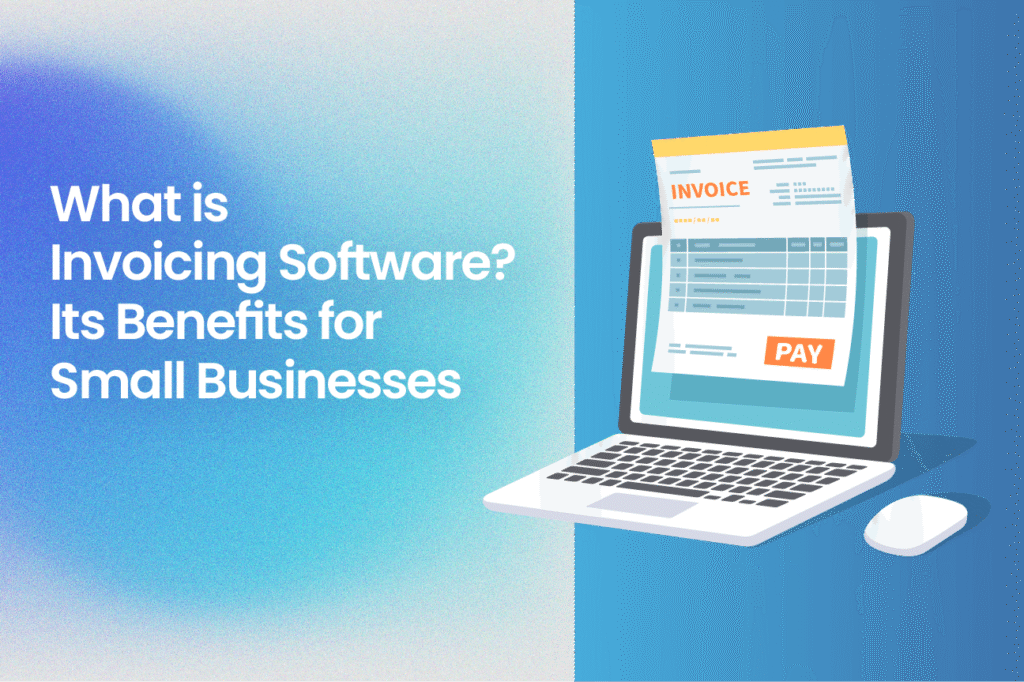
Invoicing software is a digital tool that helps businesses create, send, manage, and track invoices online. Instead of manual paperwork, everything is automated and stored in one place.
Key problems invoicing software solves
- Late or unpaid invoices
- Manual billing errors
- Poor cash flow visibility
- Time wasted on paperwork
- Lack of professional branding
Benefits for small businesses
- Faster payments with online payment options
- Automated reminders for overdue invoices
- Professional looking invoices
- Better financial tracking
- Easy tax and expense management
If you run a service business, freelance, sell products, or manage recurring clients, invoicing software is no longer optional.
How We Chose the Best Invoicing Software for Small Businesses
To create this list, we focused on what small businesses actually need, not enterprise level features.
Evaluation criteria
- Ease of use for beginners
- Pricing and free plans
- Core invoicing features
- Payment integrations
- Scalability as the business grows
- Customer support and reliability
Best Invoicing Software for Small Businesses Compared
| Software | Best For | Starting Price | Free Plan |
|---|---|---|---|
| Wave | Very small businesses | Free | Yes |
| Zoho Invoice | Growing businesses | Free | Yes |
| FreshBooks | Service based businesses | Paid | Trial |
| QuickBooks Online | Accounting plus invoicing | Paid | Trial |
| Invoice Ninja | Freelancers and startups | Free and Paid | Yes |
| PayPal Invoicing | Fast online payments | Free | Yes |
| Square Invoices | Retail and POS users | Free | Yes |
1. Wave Invoicing
Overview
Wave is one of the most popular free invoicing software options for small businesses. It is designed for micro businesses, freelancers, and startups that want basic invoicing without monthly fees.
Key features
- Unlimited invoices
- Custom invoice templates
- Automated payment reminders
- Expense tracking
- Accept credit card payments
Pros
- Completely free invoicing
- Easy to use interface
- No hidden costs
Cons
- Limited advanced features
- Payment processing fees apply
Best for
Small businesses with simple invoicing needs and tight budgets.
2. Zoho Invoice
Overview
Zoho Invoice is a powerful yet free invoicing software built for small businesses that want automation and customization.
Key features
- Custom branded invoices
- Time tracking
- Automated workflows
- Client portal
- Multi currency support
Pros
- 100 percent free
- Professional features
- Strong automation
Cons
- Slight learning curve for beginners
Best for
Small businesses planning to scale and needing structured invoicing.
3. FreshBooks
Overview
FreshBooks is a premium invoicing and accounting tool built for service based small businesses.
Key features
- Recurring invoices
- Time tracking
- Expense management
- Online payments
- Financial reports
Pros
- Very user friendly
- Excellent customer support
- Strong automation
Cons
- Paid plans only
- Higher cost than basic tools
Best for
Consultants, agencies, and service providers who bill clients regularly.
4. QuickBooks Online
Overview
QuickBooks Online combines invoicing with full accounting features. It is one of the most trusted business finance tools worldwide.
Key features
- Invoicing and estimates
- Expense tracking
- Tax reports
- Inventory management
- Bank reconciliation
Pros
- All in one financial solution
- Trusted brand
- Scalable for growing businesses
Cons
- Higher price
- Can feel complex for beginners
Best for
Small businesses that want invoicing plus full accounting.
5. Invoice Ninja
Overview
Invoice Ninja offers flexible invoicing with both free and paid plans. It is ideal for freelancers and small teams.
Key features
- Unlimited invoices
- Multiple payment gateways
- Recurring billing
- Client portal
- Expense tracking
Pros
- Generous free plan
- Customizable
- Open source option
Cons
- Interface can feel busy
Best for
Freelancers and startups needing flexibility.
6. PayPal Invoicing
Overview
PayPal Invoicing is simple and focused on fast payments. You can send invoices directly from your PayPal account.
Key features
- Email invoices
- Accept PayPal and cards
- Automatic payment tracking
- No monthly fee
Pros
- Easy setup
- Trusted payment brand
- Free invoicing
Cons
- Limited customization
- Payment fees apply
Best for
Small businesses already using PayPal.
7. Square Invoices
Overview
Square Invoices is ideal for businesses that sell both online and in person.
Key features
- Free invoices
- Payment processing
- POS integration
- Recurring invoices
Pros
- Free to start
- Strong payment tools
- Great for retail
Cons
- Limited accounting features
Best for
Retail and service businesses using Square POS.
How to Choose the Best Invoicing Software for Your Small Business
Before choosing invoicing software, ask yourself these questions:
1. How complex are your invoices
If you only send simple invoices, free tools may be enough.
2. Do you need online payments
Choose software with built in payment options.
3. Are you planning to scale
Pick a tool that grows with your business.
4. Do you need accounting features
Some invoicing tools include full accounting.
Pricing and Cost Considerations
Most invoicing software for small businesses follows one of these models:
- Free with payment fees
- Monthly subscription
- Tiered pricing based on features
Cost saving tip
Start with a free plan and upgrade only when your invoicing volume grows.
Best Practices for Using Invoicing Software
- Send invoices immediately after completing work
- Use clear payment terms
- Enable automatic reminders
- Accept multiple payment methods
- Track overdue invoices weekly
These small steps can dramatically improve cash flow.
Who Should Avoid Advanced Invoicing Software
You may not need complex invoicing software if:
- You send less than five invoices per month
- You only accept cash
- You run a hobby business
In such cases, simple templates may work temporarily.
Final Verdict
The best invoicing software for small businesses depends on your size, budget, and goals.
- Choose Wave or Zoho Invoice if you want free and reliable invoicing
- Choose FreshBooks if you are service based
- Choose QuickBooks Online if you want full accounting
- Choose Square or PayPal if payments are your priority
Investing in the right invoicing software saves time, reduces stress, and helps you get paid faster.
If you are still using spreadsheets or manual invoices, now is the time to switch. Start with a free invoicing software today and upgrade as your business grows.
Frequently Asked Questions
What is the best free invoicing software for small businesses
Wave and Zoho Invoice are among the best free options.
Can invoicing software help me get paid faster
Yes. Online payments and automated reminders significantly reduce delays.
Is invoicing software safe
Reputable invoicing software uses encryption and secure payment gateways.
Do I need accounting software with invoicing
Not always. Many small businesses start with invoicing only and add accounting later.
Key Takeaway
Choosing the best invoicing software for small businesses is not about features overload. It is about simplicity, reliability, and helping your business get paid on time.